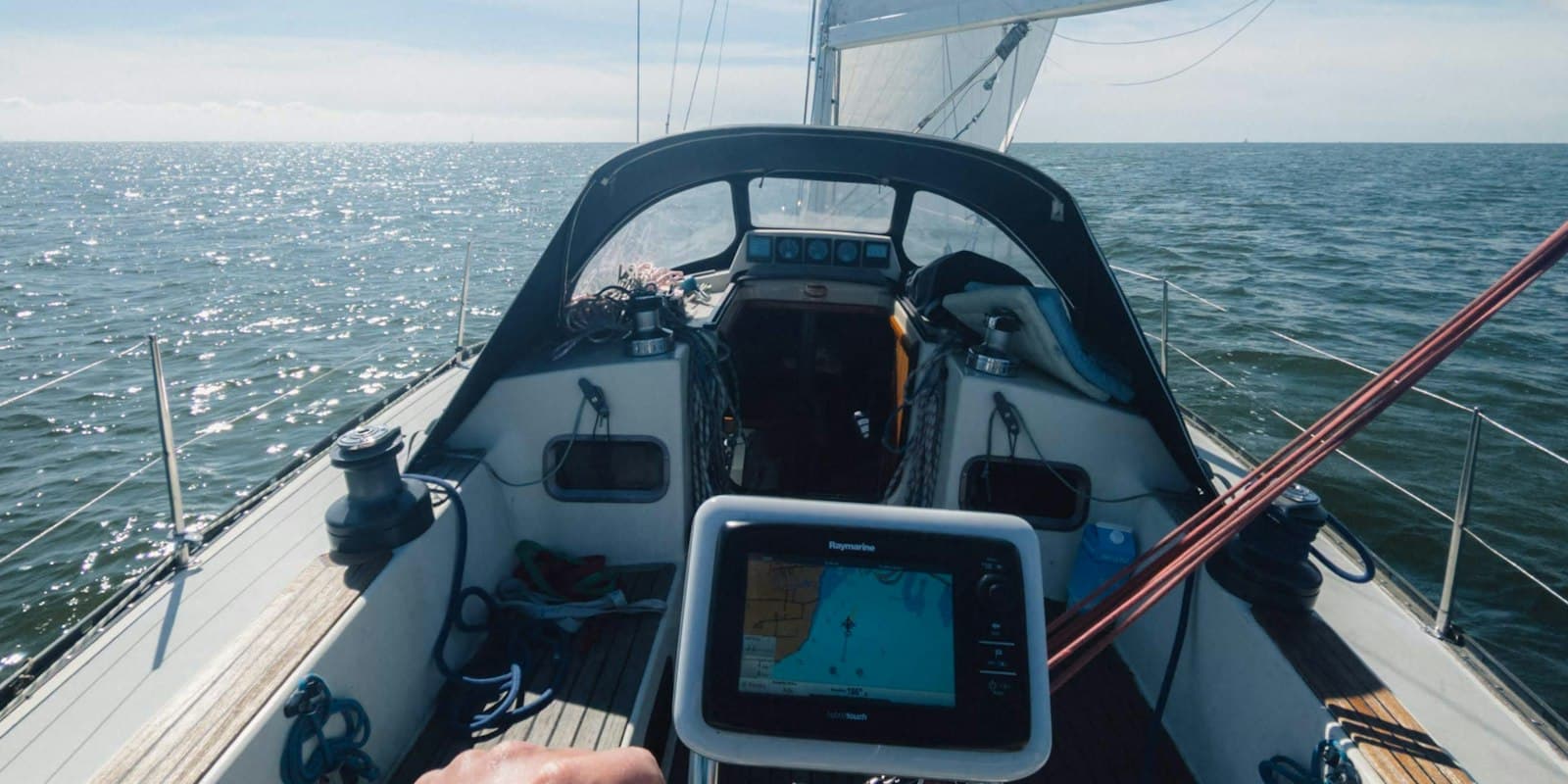
New: Live Data from Your Boat via Signal K — How to Set It Up
See your boat's position, wind, depth and battery in ClearShip at any time. The new Signal K plugin takes a few minutes to set up — here is the complete guide.
Your boat is lying in a bay, you are at home — and you have no idea whether the battery is holding up, how hard it is blowing out there, or whether the boat is still where you left it. That is exactly what live data in ClearShip is for.
A free plugin for your on-board Signal K server sends position, course, speed, wind, depth, temperature, pressure and battery state to ClearShip. You see your boat on the map and every instrument reading as a tile — in the browser and in the app, from anywhere.
Beta
The plugin is an early beta (0.1.0-beta.5). It sends the current vessel state at a fixed interval — nothing more. Anchor watch, alerting and track recording are not included yet. Do not rely on the data arriving without gaps. Feedback is very welcome.
What you need
Setup in three steps
1. Install the plugin
Open your Signal K server in the browser and go to Appstore. Search for clearship and install ClearShip Telemetry. Restart the server when Signal K asks you to.
Or directly on the server:
cd ~/.signalk
npm install @welytics/clearship-signalk
sudo systemctl restart signalk
2. Create a token in ClearShip
In ClearShip: Boat → Live → Connect boat → Create token.
The token is shown only once
Copy it immediately. Only a hash is stored on our side afterwards — the token itself cannot be displayed again. Losing it is no drama: just create a new one.
3. Paste the token into the plugin
Back in your Signal K server: Server → Plugin Config → ClearShip Telemetry. Paste the token, enable the plugin, save.
The plugin status line then reads something like:
Connected — 12 measurements in 1 frame(s) via delta stream
The number of measurements is the figure that matters. If you see a warning instead of a number, the plugin reaches ClearShip fine but finds no data in Signal K — see Troubleshooting.
In ClearShip, the first position appears within a minute.
Which data is transmitted
| Signal K path | Field in ClearShip | Conversion |
|---|---|---|
navigation.position | Position | — |
navigation.speedOverGround | Speed over ground | m/s → kn |
navigation.courseOverGroundTrue | Course over ground | rad → ° |
navigation.headingTrue / .headingMagnetic | Heading | rad → ° |
environment.wind.speedApparent / .angleApparent | Apparent wind | m/s → kn, rad → ° |
environment.wind.speedTrue / .directionTrue | True wind | m/s → kn, rad → ° |
environment.depth.belowTransducer | Depth | — |
environment.water.temperature | Water temperature | K → °C |
environment.outside.temperature | Air temperature | K → °C |
environment.outside.pressure | Pressure | Pa → hPa |
electrical.batteries.*.voltage | Battery voltage | — |
electrical.batteries.*.capacity.stateOfCharge | State of charge | ratio → % |
The plugin reads values two ways, in this order:
- Full model (
app.getSelfPath) — preferred, because the source priorities configured in your Signal K server apply. With several GPS sources on board the position stays stable instead of jumping between antennas. - Delta stream — fallback. On some servers the full model returns nothing even though the data is clearly present in the Data Browser (observed on Victron Venus OS). The trade-off: where a path has several sources, last-received wins instead of the configured priority.
The status line names which one is in use: via full model or via delta stream.
Own vessel only
Only vessels.self is read. AIS targets of other vessels are never transmitted — neither as data volume on your mobile plan nor as third-party personal data in our database.
Sensors on non-standard paths
Not every sensor publishes to the standard path. A RUUVI tag, for instance, publishes under the location name configured in its own plugin — a tag set up as cabin ends up on environment.cabin.pressure, not environment.outside.pressure, so the plugin would not find it.
Two ways to fix that, either is fine:
- Map it here. Enter the path under
customPaths→Pressure. Unit conversion still applies — Signal K is SI everywhere, so Pa still becomes hPa no matter which path the value came from. - Map it in Signal K. Change the sensor plugin's location, or remap the path server-side. Cleaner in the long run, because every other Signal K consumer benefits too — but it changes your vessel's data model.
To find the right path, enable listPaths and restart the plugin. It writes every path it has seen on vessels.self to the log:
All 87 paths seen on vessels.self:
  environment.cabin.humidity = 0.54
  environment.cabin.pressure = 101820
  environment.cabin.temperature = 297.45
  ...
The same information is in the Signal K Data Browser — listPaths is just faster when you already have the log open.
Extra readings: tanks, revolutions, shore power
The built-in fields cover what every boat has. Everything else differs from vessel to vessel, so it is configured rather than hard-coded. Add an entry under customMetrics for each one:
| Field | Meaning |
|---|---|
path | Signal K path, e.g. tanks.freshWater.0.currentLevel |
label | Name shown on the tile, e.g. Fresh water |
unit | Displayed as-is: l, %, A, bar, rpm, °C |
factor / offset | value × factor + offset, applied on board |
key | Optional identifier. Defaults to the path — changing it later creates a second tile instead of renaming the first. |
factor and offset exist because Signal K is SI throughout. A tank level arrives as a ratio, so factor: 100 with unit: "%" gives a readable tile; a fridge arrives in Kelvin, so offset: -273.15 with unit: "°C" does. Converting on board rather than in the cloud means the stored value and the displayed value are the same number.
Each reading appears in ClearShip as its own tile the first time it arrives — nothing to configure on our side. A tile exists exactly when a sensor exists: a boat without a wind instrument does not get an empty wind tile.
Adjusting the tiles in ClearShip
Under Boat → Live → Configure live data you set, per boat:
This setting belongs to the boat, not to the browser or the user: the whole crew sees the same tiles, switching devices changes nothing, and the same account can have two completely different instrument panels for two boats. Anyone who may edit the boat may change it.
History
Next to the current value, every tile shows the history for the selected window: 15 minutes, 1 hour, 24 hours or 7 days. Angular values such as course and wind direction get a compass rose instead of a curve — an average of 350° and 10° would come out as 180°, pointing exactly the wrong way.
Privacy, and a dry run before you send anything
If you want to see what the plugin would actually transmit first, enable dryRun. It then builds frames exactly as in normal operation and writes them to the Signal K log — nothing is sent. The warnings are the same as in live operation, so the dry run doubles as the fastest diagnostic.
Troubleshooting
The plugin status line names the cause in almost every case:
| Status line | Cause |
|---|---|
No measurements: neither the full model nor the delta stream provides data | No instrument data is reaching Signal K at all. Check the Data Browser for any navigation.* or electrical.* data under vessels.self. The cause is upstream of the plugin: NMEA connection, gateway, instruments powered off. |
No expected paths yet — the delta stream has N other path(s) | Signal K has data, but not on the paths the plugin reads. See the section on non-standard paths. |
No measurements in the selected groups. Signal K only provides: … | The data is there, but the matching group is disabled in the plugin config. |
No device token configured | Token missing in the plugin config. |
Token invalid or revoked | Token deleted or copied incorrectly — create a new one in ClearShip. |
A ClearShip subscription is required | Telemetry is not included in your current plan. |
Offline — N frames buffered | No internet connection; frames are resent on the next attempt. |
Server error 5xx | ClearShip unreachable; frames stay buffered. |
Detailed logs live in the Signal K server under Server → Server Log. The plugin additionally logs via debug (DEBUG=clearship-signalk), including a one-off inventory at startup of which expected paths your server does and does not provide.
What the beta cannot do yet
The offline buffer does not survive a restart of the Signal K server — whatever is still queued is lost. And there is no notification yet if the connection drops. So do not treat the live view as a replacement for an anchor watch or battery monitoring just yet. Both are on the roadmap.
What this is good for in practice
The real value shows up when you are not on board:
- Winter storage: keep an eye on battery voltage before deep discharge ruins it.
- At anchor: check the wind at the mooring before you take the dinghy back.
- Charter or boatyard: where is the boat right now, and since when?
- With the crew: every member of the boat sees the same live data — nobody has to share credentials.
Availability
Live data is part of the Skipper (1 boat) and Profi (up to 5 boats) plans. The Signal K plugin itself is free and open source (MIT). Switching the connected boat is possible at any time: free up the slot, connect a different boat — the device stays set up and resumes sending as soon as it gets the slot back. Details on the pricing page.
Feedback wanted
Working for you? Not working? During the beta every report helps — especially the path list from the Data Browser if your setup produces data the plugin does not find. Get in touch via the contact form.
Related Articles
ClearShip Now Speaks Spanish – on the Web and in the App
The web app, the mobile app, emails and the blog are now available in Spanish. Here is how to switch the language and what you should know.

Sailing at Night: The Preparation Checklist
What actually matters before an overnight passage — from the last weather check to reefing before dark and setting a watch schedule. Plus: an importable checklist for ClearShip.
How to Save Mobile Data on Your Boat — Tips for Offshore Use
Running low on data while offshore? These simple iPhone and Android settings can dramatically reduce your mobile data consumption at sea. Essential tips for every sailor.