ClearShip Now Speaks Spanish – on the Web and in the App
The web app, the mobile app, emails and the blog are now available in Spanish. Here is how to switch the language and what you should know.
Until now, ClearShip spoke English and German. As of today it also speaks Spanish: in the web app, in the mobile app, in emails and here on the blog. For Spanish-speaking owners and crews, for charter guests on board, and for everyone whose boat lives in Spain, the Canaries or the Caribbean.
What is now available in Spanish
We paid attention to the nautical vocabulary and used the terms Spanish-speaking sailors actually use on board.
How to switch the language
On the web: click the globe icon in the top right and pick a language. With an account, Profile → Communication Language also sets the language your emails arrive in.
In the app: Settings → Language now offers Deutsch, English and Español. If your phone is set to Spanish, a fresh install starts in Spanish right away. An app that is already installed keeps the language it had before the update.
Version 1.0.16 is on its way to the stores
The new app version with Spanish has been submitted to Google Play and the App Store. If you don't see the update yet, check again in a few days.
What deliberately stays in English
- The radio call in the Mayday assistant is still written and read aloud in English, because English is the language of international maritime radio. The screen around it is translated.
- The privacy policy and the terms of service exist in English and German only for now. The Spanish version shows the English text.
Tell us what you think
Know someone who would rather sail in Spanish? Tell them about ClearShip. And if you spot a term in the Spanish version that sailors say differently on board, get in touch.
Fair winds!
Related Articles

Sailing at Night: The Preparation Checklist
What actually matters before an overnight passage — from the last weather check to reefing before dark and setting a watch schedule. Plus: an importable checklist for ClearShip.
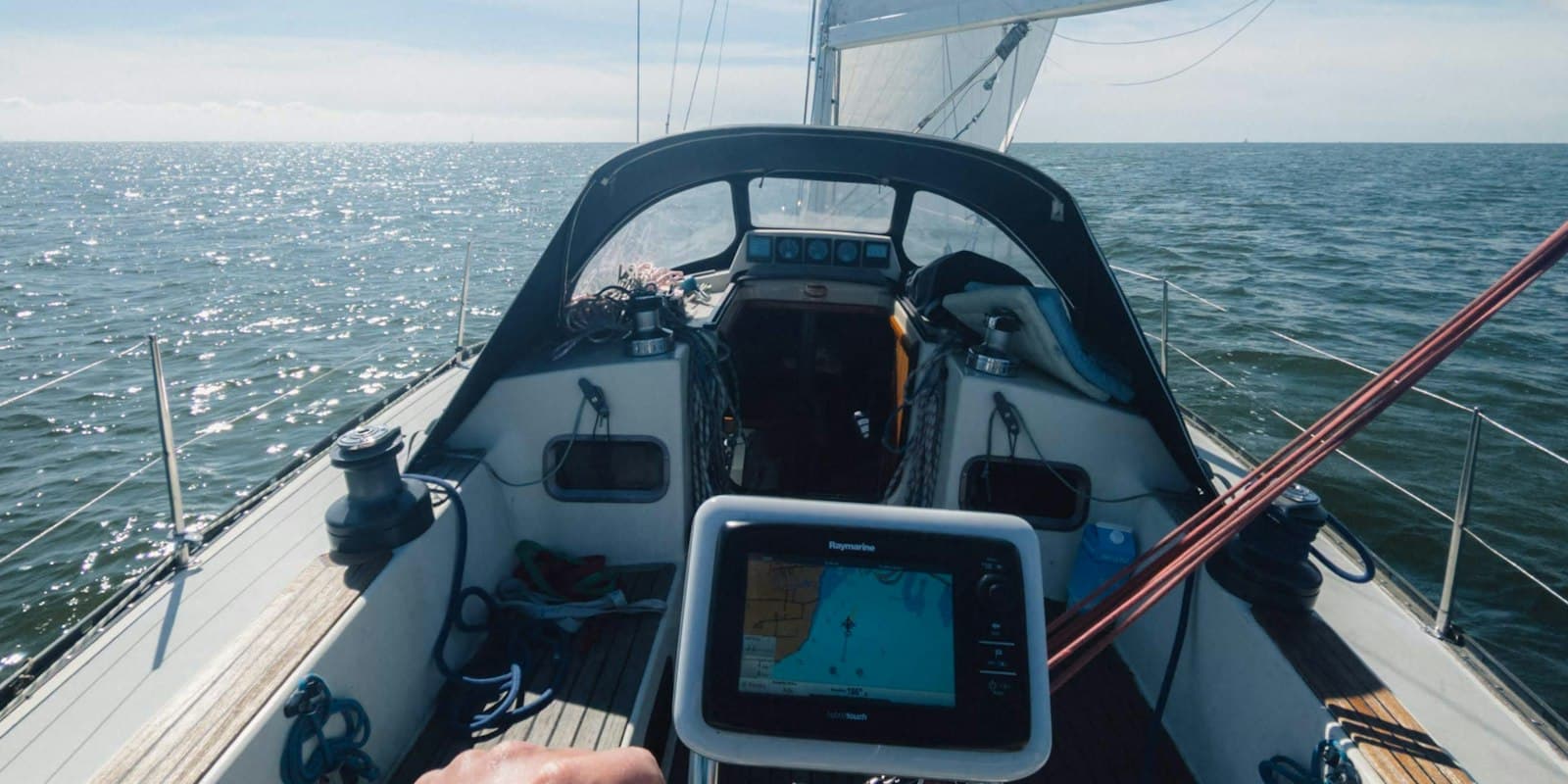
New: Live Data from Your Boat via Signal K — How to Set It Up
See your boat's position, wind, depth and battery in ClearShip at any time. The new Signal K plugin takes a few minutes to set up — here is the complete guide.
How to Save Mobile Data on Your Boat — Tips for Offshore Use
Running low on data while offshore? These simple iPhone and Android settings can dramatically reduce your mobile data consumption at sea. Essential tips for every sailor.