 ClearShip for Android
Your boat in your pocket.
Maintenance, checklists, logbook and boat papers, live data from on board and the tools you reach for between two tacks. Works without signal. The app is free and has no ads.

iPhone version coming to the App Store

- Price
- Free
- Ads
- None
- Account
- Optional
- Offline
- Tools & documents
- Languages
- English · German
Maintenance, right where it happens
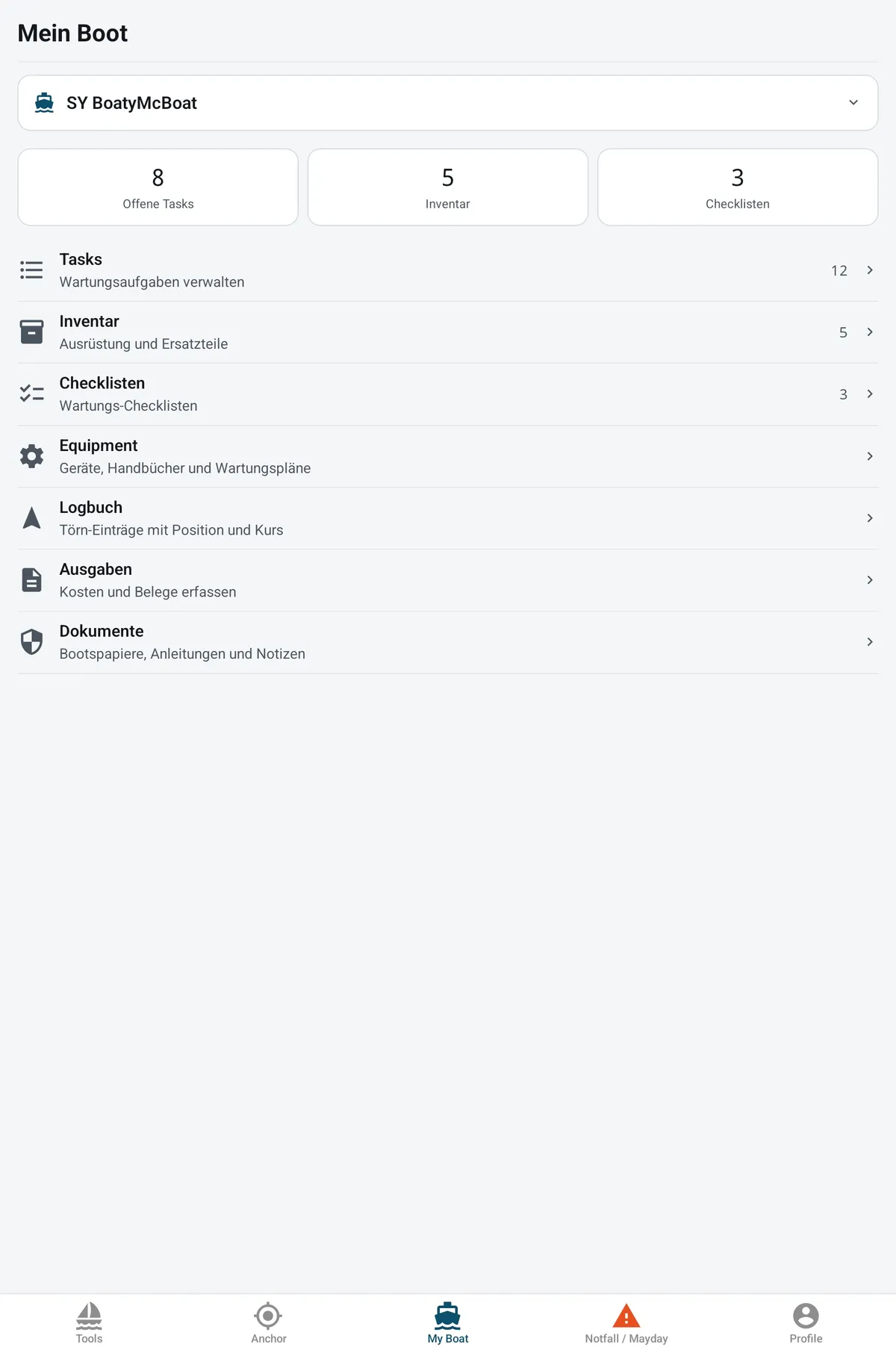
Standing at the engine with a spanner in one hand? Open the task, tick it off, add a photo. Everything you planned at home is on your phone.
- Tasks
- Plan, prioritize and check off maintenance work
- Checklists
- Departure, maintenance, winter storage
- Equipment
- Devices, manuals and service intervals
- Inventory
- Gear and spare parts with photos
- Logbook
- Voyage entries with position and course
- Expenses
- Costs and receipts
- Documents
- Boat papers and manuals, available offline
Your boat live, even when you are not on board
With the free Signal K plugin your boat sends its position, wind, depth, battery and every other sensor to ClearShip. You see it all in the app and on the web, from the office, from home or from the pontoon.
- Position on the map, with the track you sailed
- Wind, depth, speed, battery, temperatures, pressure and your own sensors
- History of the last 7 days for every reading
- Plugin installed from the Signal K Appstore in a few minutes
Live data is part of the Skipper and Profi plans. The Signal K plugin is in beta. See plans
SY BoatyMcBoatLive12 s ago
Speed over ground
6.4kn
Course over ground
214°
Wind
14.2kn
Depth
8.6m
Battery
87%
Pressure
1,014hPa
Instruments and calculators in your pocket
The tools a skipper reaches for between two tacks. Most of them work without an account and without a connection.
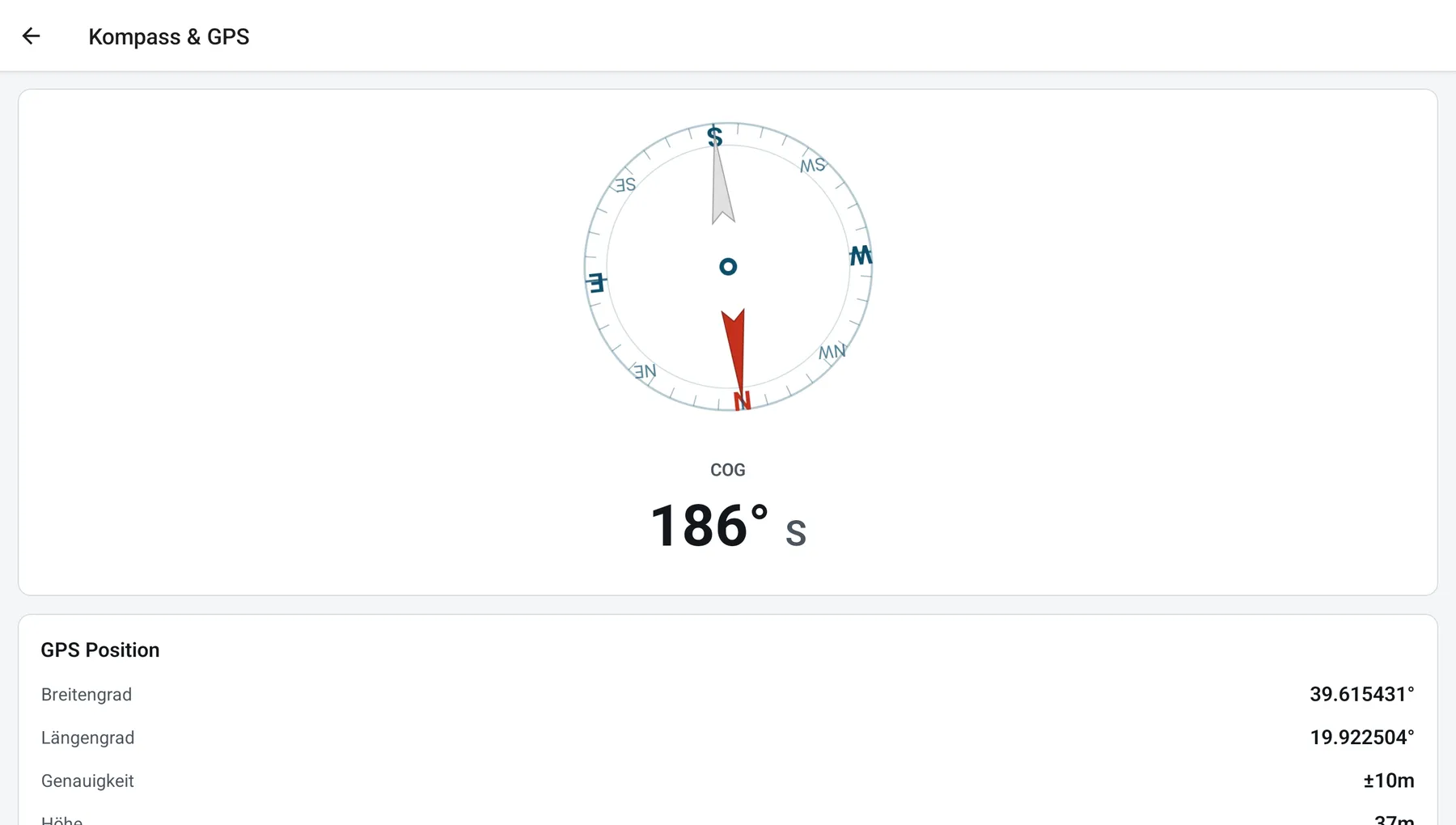
Compass & GPS
Heading, position, speed
OpenSeaMap
Nautical chart with seamarks
NMEA 2000 reader
Live data from your WiFi gateway
Navigation calculator
Course, leeway, current triangle, ETA
Anchor calculator
Rode length and scope
Laylines
When to tack for the mark
VMG
Best angle to the wind
Sail trim
Trim for main and headsail
True and apparent wind
Wind triangle on board
Wind converter
Beaufort, knots, m/s, km/h
Unit converter
Nautical and metric units
Weather charts
DWD surface pressure charts
Phonetic alphabet
NATO alphabet for the radio
When it matters
The two screens you hope you never need, built to work at night, half asleep, with one hand.
Anchor alarm
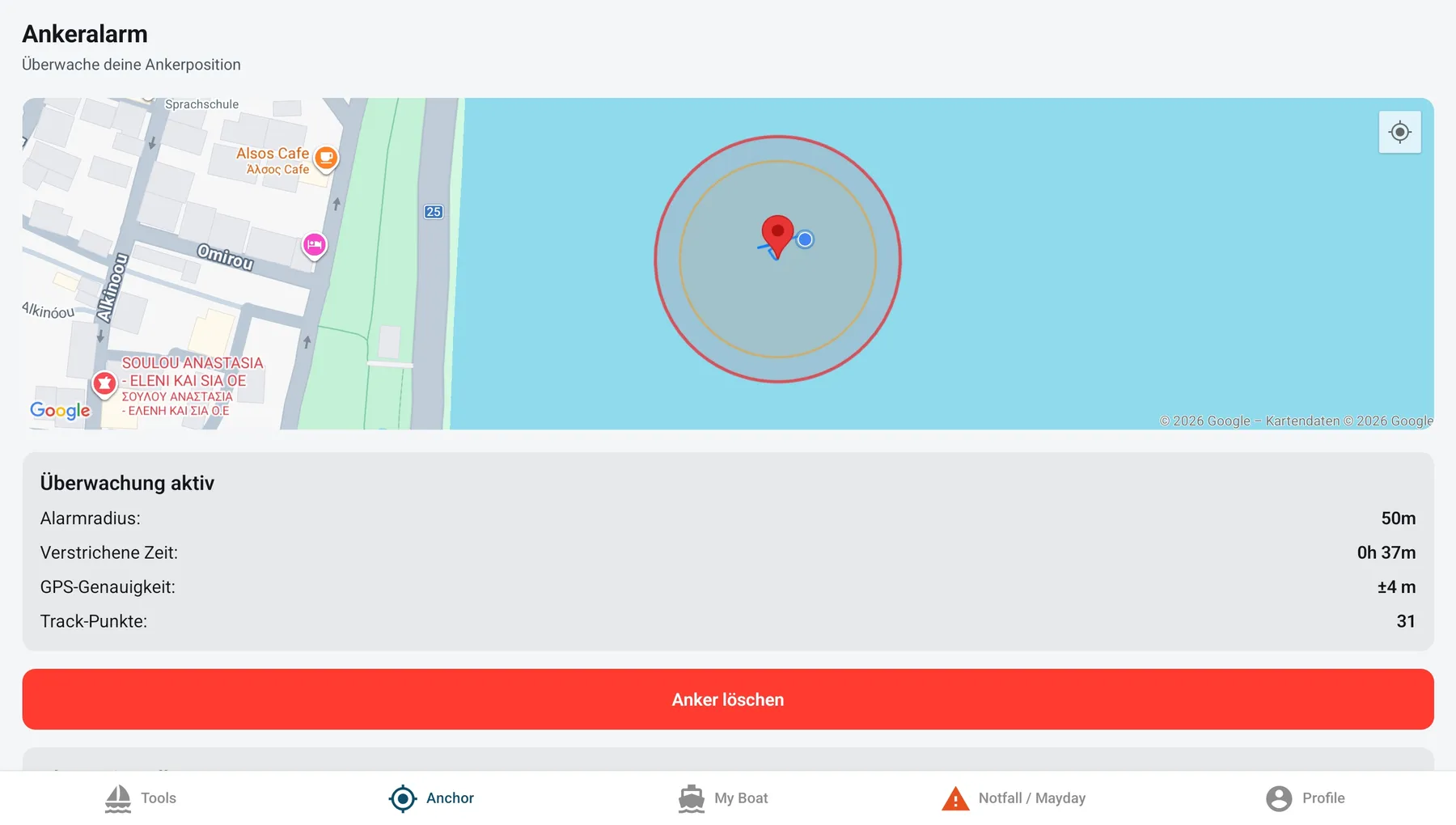
Drop the anchor point, choose the swing radius and go to sleep. ClearShip keeps watching your position in the background.
- Early warning before you reach the radius
- Full alarm the moment the boat leaves it
- Radius from 25 to 150 m, chart overlay on the map
Emergency
Mayday assistant
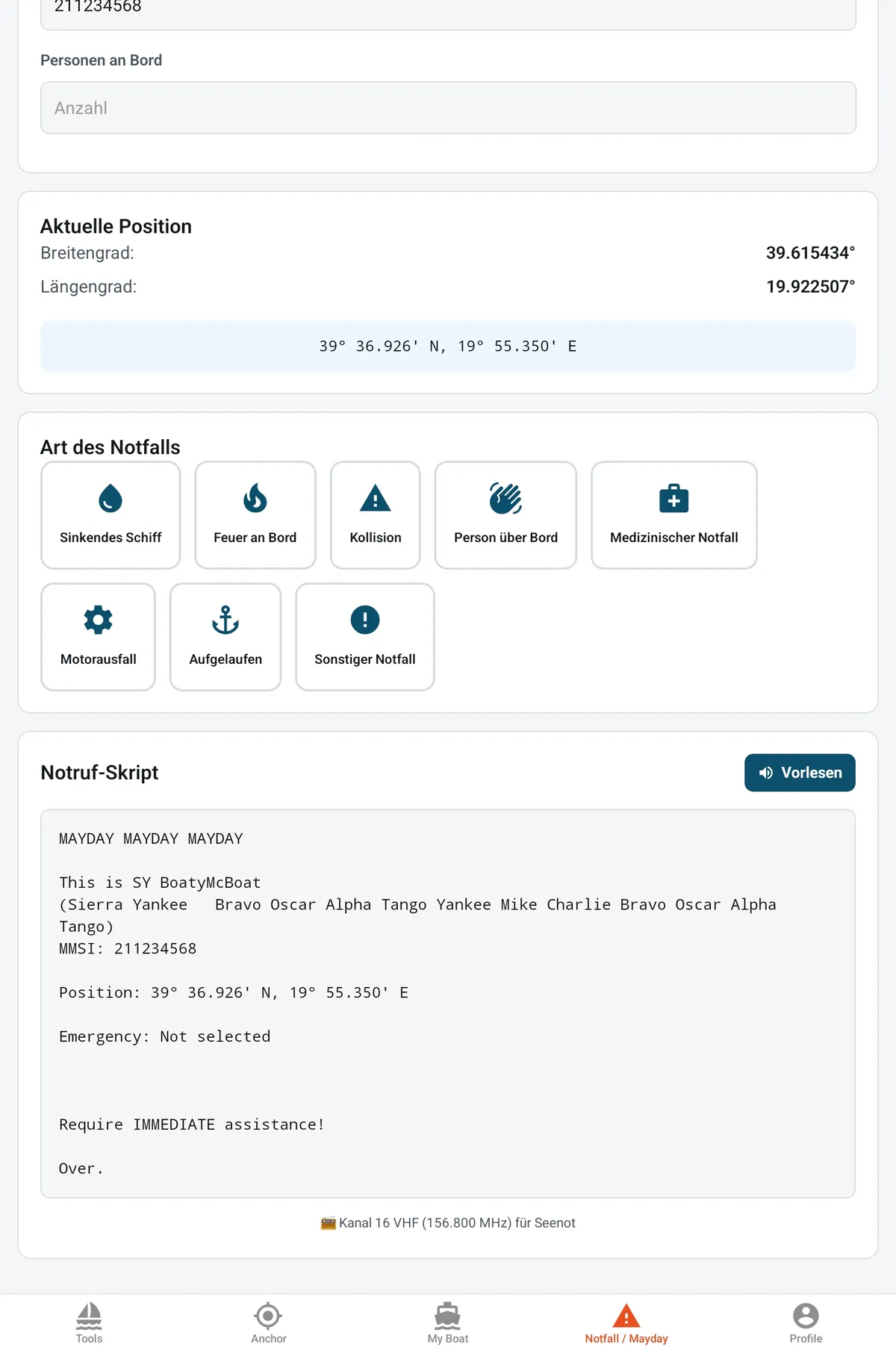
Pick what happened and ClearShip writes the radio call for you: boat name spelled in the NATO alphabet, MMSI and your current position, ready to read out on channel 16.
- Mayday and Pan-Pan, step by step
- Position filled in from GPS
- Read-aloud button for the call
ClearShip is an aid on board. It does not replace a proper anchor watch, official nautical charts or good seamanship.
Plan at the desk. Tick it off on deck.
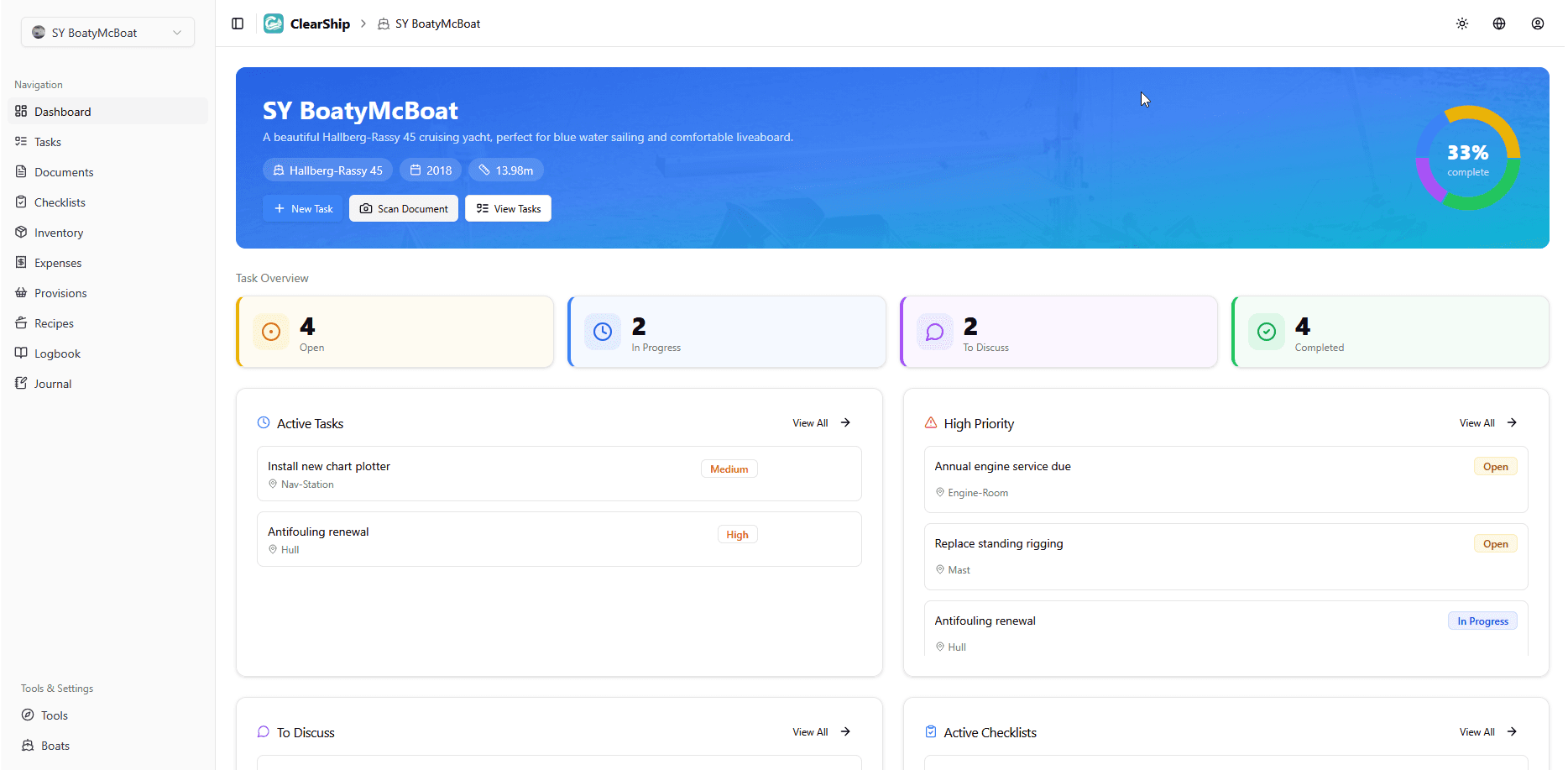
The app and the ClearShip web app share the same boat. Prepare the season on a big screen, then do the work with your phone in your pocket.
- Boats, tasks, checklists and logbook stay in sync on all devices
- Changes made offline are sent once you are back in range
- Crew members see the same, up-to-date list
clearship.app
Questions before you install
What does the app cost?
Nothing. The app is free, has no ads and no in-app purchases. A free ClearShip account covers one boat; if you need more boats or crew members, the plans are on the pricing page.
Do I need an account?
No. Anchor alarm, Mayday assistant and all tools work without one. An account is only needed to sync boats, tasks and logbook with the web app and your other devices.
Does it work without internet?
Yes. The tools run offline, pinned documents are stored on the device, and anything you change is synced as soon as you are back online. Weather charts and new map areas need a connection to load.
What do I need for live data?
A Signal K server on board (for example on a Raspberry Pi), the free ClearShip plugin from the Signal K Appstore and a Skipper or Profi plan. The plugin sends every 60 seconds by default.
When is the iPhone app coming?
We are preparing the App Store release. Until then, the ClearShip web app runs in Safari on your iPhone.
Why does the app want my location in the background?
Only for the anchor alarm, and only while it is armed. The position is processed on your device; logbook positions are synced only if you use an account.
Which languages are available?
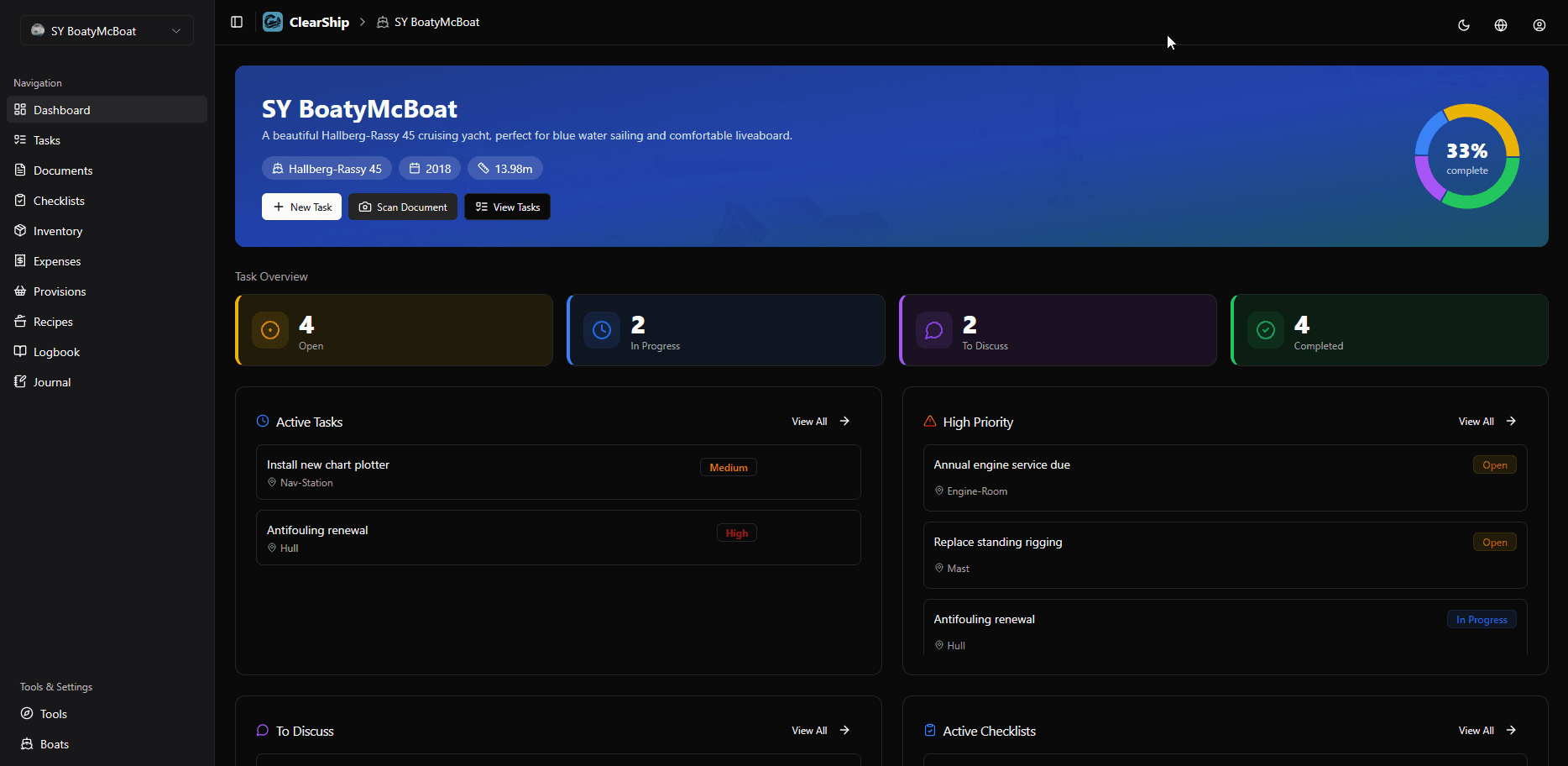
English and German, each with a light and a dark theme.
Put it on your phone before the next trip.
Installing takes a minute. Setting the anchor alarm takes two taps.
iPhone version coming to the App Store