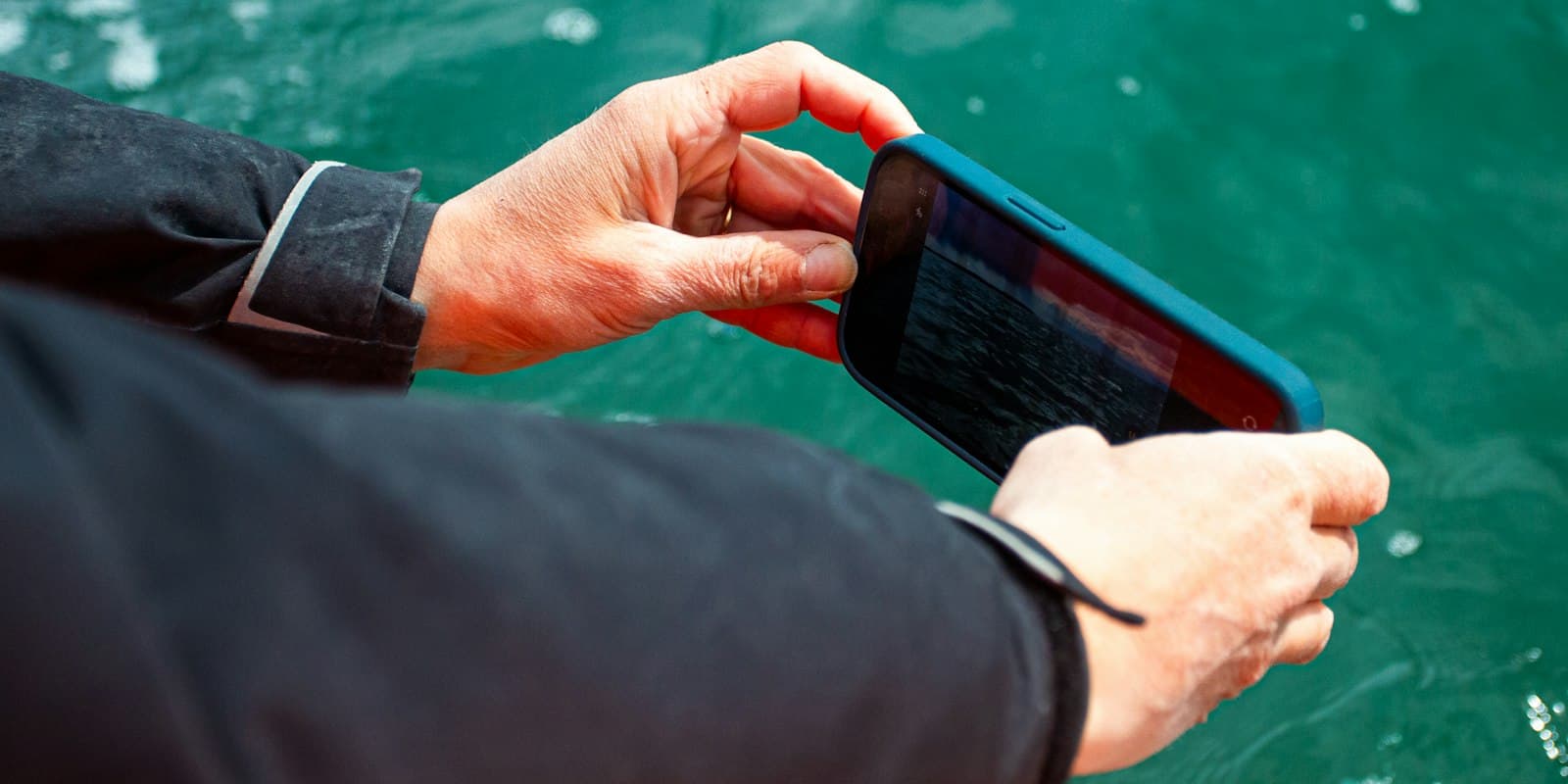
How to Save Mobile Data on Your Boat — Tips for Offshore Use
Running low on data while offshore? These simple iPhone and Android settings can dramatically reduce your mobile data consumption at sea. Essential tips for every sailor.
When you're miles from the nearest port with only a cellular connection or expensive satellite data, every megabyte counts. Whether you're on a coastal cruise or an ocean passage, optimizing your phone's data usage can be the difference between staying connected when it matters and burning through your data plan on background noise.
Here are proven tips to minimize your phone's data consumption while aboard — for both iPhone and Android.
Enable Low Data Mode / Data Saver
This is your single most impactful setting. It reduces background network usage across your entire device — apps will defer updates, auto-play is paused, and image quality is reduced.
iPhone: Settings → Cellular → Cellular Data Options → Low Data Mode → On
Android: Settings → Network & internet → Data Saver → On
Pro Tip
On iOS, Low Data Mode can be enabled per network (cellular and Wi-Fi separately). On Android, Data Saver applies globally to mobile data but you can allow specific apps to bypass it if needed.
Disable Background App Refresh / Background Data
Even when you're not actively using an app, dozens of them are quietly fetching new data in the background — social media feeds, news updates, email syncing, and more. Turn this off globally.
iPhone: Settings → General → Background App Refresh → Off (for all apps)
Android: Settings → Apps → Select each app → Mobile data & Wi-Fi → Disable background data. Or use Data Saver (see above) which restricts background data for all apps at once.
This alone can save hundreds of megabytes per day.
Pause Cloud Syncing
Cloud services are some of the biggest data consumers running silently in the background.
iPhone:
Android:
Your photos and files will sync automatically once you're back on a solid Wi-Fi connection.
Stop Automatic Downloads and Updates
Your phone might be downloading app updates, new apps purchased on other devices, or in-app content — all without asking you.
iPhone: Settings → App Store → Turn off all three:
- App Downloads
- App Updates
- In-App Content
Similarly, disable automatic podcast downloads: Settings → Podcasts → Automatic Downloads → Off
Android: Google Play Store → Profile icon → Settings → Network preferences:
- Auto-update apps → Don't auto-update apps (or Wi-Fi only)
- Auto-download apps → Toggle Off
Manage Your Messaging Apps
Messaging apps like WhatsApp are a major data drain, especially group chats with images and videos flying around.
- Leave groups you don't absolutely need while offshore
- Consider setting WhatsApp media to "Wi-Fi Only" for auto-downloads
Group chats with 20+ members sharing photos and videos can consume gigabytes without you even opening them.
Use Offline Mode for Streaming
If you enjoy music or podcasts underway, download your content before leaving port.
- Spotify: Download playlists → Enable Offline Mode
- Podcasts: Download episodes manually on Wi-Fi
Streaming a single hour of music uses roughly 40–150 MB depending on quality. Over a week-long passage, that adds up fast.
Disable Unnecessary Wireless Features
Several wireless features silently consume data or create unwanted connections:
iPhone:
Android:
Close Unused Apps
While both iOS and Android manage background apps reasonably well, closing apps you're not using ensures nothing slips through the cracks — especially apps that maintain persistent connections like social media, email, or navigation apps with live tracking.
iPhone: Swipe up from the bottom and close everything you don't actively need.
Android: Tap the recent apps button (square icon) and swipe away apps you don't need. On some devices, you can also tap "Close all".
Quick Reference Checklist
Before you leave the dock, run through this list:
Track Your Boat Tasks Offline
With ClearShip, you can manage your boat maintenance tasks and keep your crew informed — even with limited connectivity. Plan your tasks before departure and stay organized throughout your voyage.
A few minutes of preparation before casting off can save you from a costly surprise on your phone bill — or worse, running out of data when you actually need it for weather updates or emergency communication. Stay connected smartly, and save your precious data for what truly matters at sea.
Do you have more tips for saving data offshore? We'd love to hear from you — get in touch via our contact form.
Related Articles

Sailing at Night: The Preparation Checklist
What actually matters before an overnight passage — from the last weather check to reefing before dark and setting a watch schedule. Plus: an importable checklist for ClearShip.
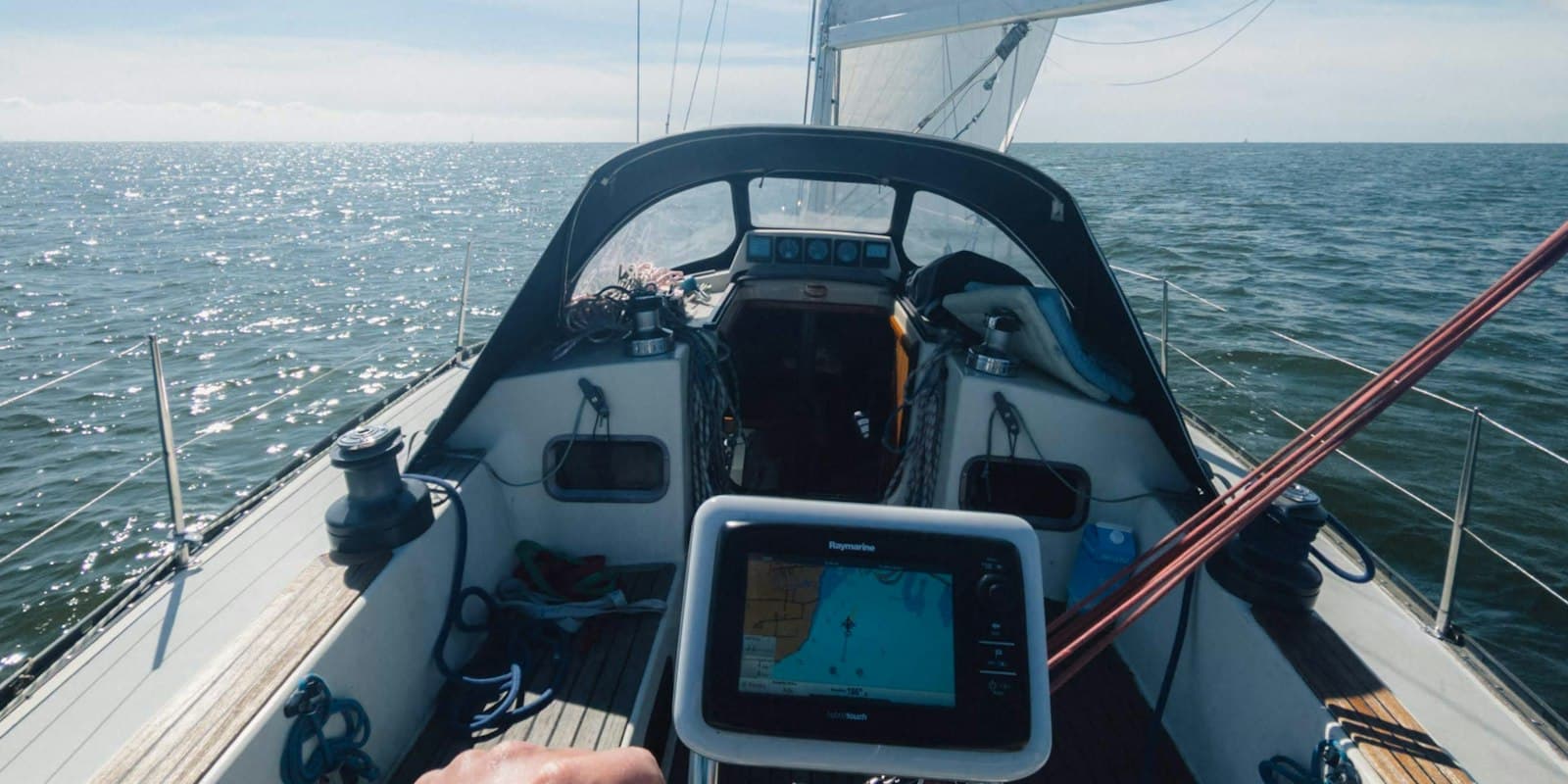
New: Live Data from Your Boat via Signal K — How to Set It Up
See your boat's position, wind, depth and battery in ClearShip at any time. The new Signal K plugin takes a few minutes to set up — here is the complete guide.

Spring Maintenance Checklist for Your Boat
A comprehensive checklist to get your boat ready for the sailing season. From hull inspection to engine checks — everything you need to know.